Help
Sharing & family.
Share your pets' records with the people who help care for them. A family holds up to 6 people, including you.
How a family works
One person owns the family and approves everyone who joins. Joining is free, and no one needs a pet of their own to join.
Only the owner can invite people or remove them.
Everyone in the family can see and update every family pet's records. There's no per-pet setting yet, so invite people you'd trust with all of them.
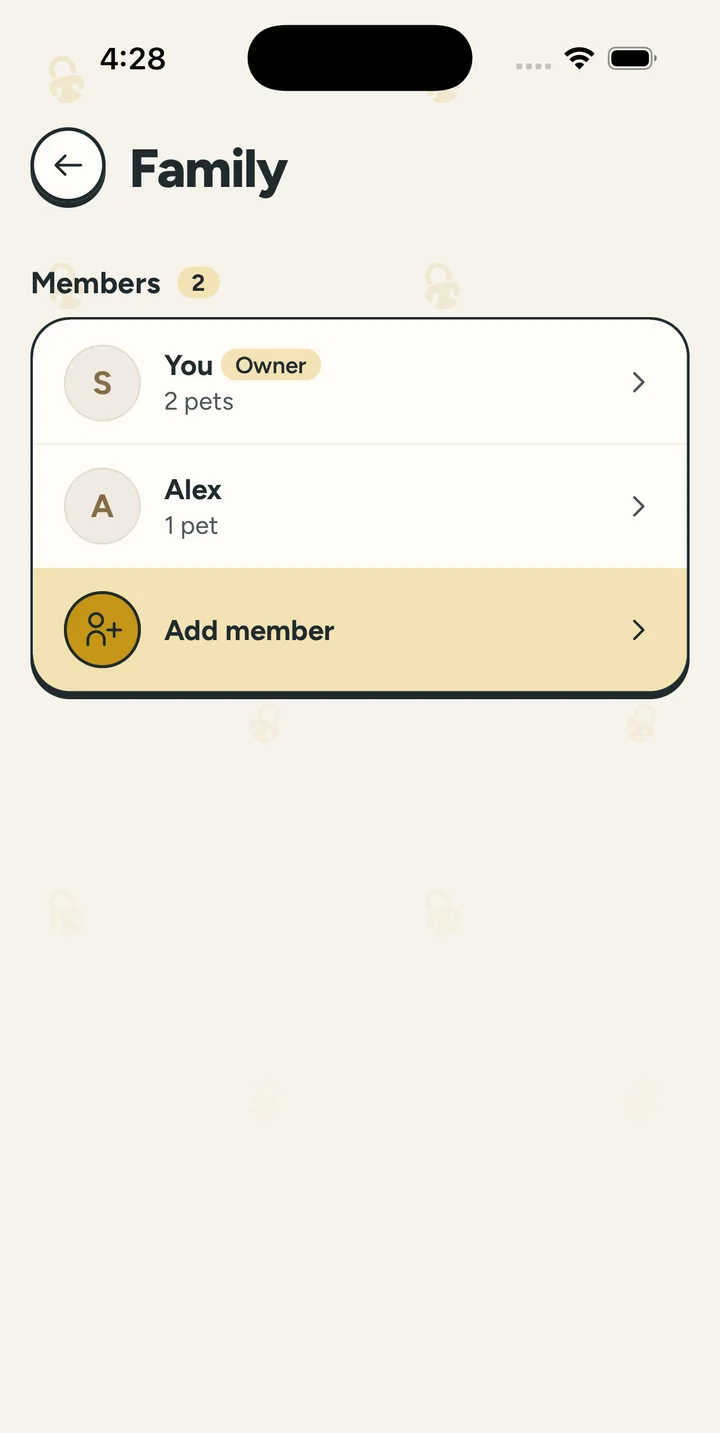
Invite your family
- Open the Family tab and tap Invite people to your family. You can also go to Profile, Family, then Add member.
- Tap Text an invite to send the link in Messages or any app. Or share your family code: tap it to copy, or show the QR code.
- When someone asks to join, tap Approve.
Before they can join
Joining needs a verified email. People who signed up with Apple or Google are already set.
How long sharing is free
Each new member gets a week of sharing on us. After that, sharing stays on while the family owner has Plus.
Members stay in the family either way.
Removing someone
Members can leave on their own with Leave family. The owner can't leave, but can close the family with Close family.
- Open Family and tap the person under Members.
- Tap Remove from family, then Remove.
Getting a new family code
- On the family screen, tap ···.
- Tap Get a new code.
The old code and link stop working. People already in the family stay.
If Plus ends
Family sharing pauses 15 days after Plus ends, unless you renew. Your members stay in the family. More on Plus & billing.